

One or two sentences shown on the /blog index card.
Open with a paragraph or two. Body text sits in a comfortable ~720px reading
column, with inline code and links styled to match. The
lede above it is the front matter's intro.
A section heading
Write normally in Markdown: headings, lists, bold, block quotes, tables. Code blocks break out wider than the text automatically (long lines shouldn't wrap) and stay dark in both light and dark mode:
export component Hello inherits Window {
    Text { text: "Hello, world"; }
}
Images and video
Use the figure directive. It reads the picture's real size out of the file so
the page does not jump as it loads, and it will not build without alt:

wide breaks out past the reading column, like a code block; full goes
edge to edge. Keep a picture at text width unless it earns the room:

A video takes video= and a poster=, and comes out with controls and
preload="none" — nothing downloads until the reader presses play:
Two or three side by side, stacking on a phone:


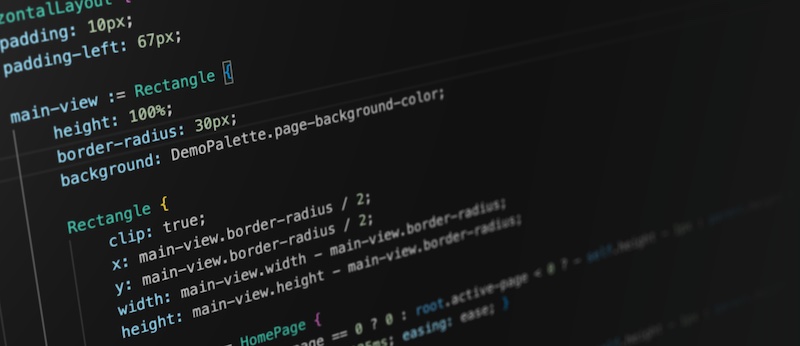
Plain Markdown images still work and are fine for a quick inline shot — the generator fills in their dimensions too — but they carry no caption and no video policy:
Rule of thumb: keep images at text width by default; reach for
wide(orfull) only for a genuine hero shot. Code blocks widen themselves when a line needs it, because that width is functional, not decorative.