

Components, ready to assemble.
A polished set of first-party controls — in Material, Fluent, Cupertino and native styles — plus a community gallery. All live, all themeable, and a known-good library your AI agent can assemble from with confidence.
Live WASM · copy the .slint · theme to match your brand
The Slint UI kit
Gorgeous by default
Hand-built controls with real states, animation and drag — not stock widgets. Drop them in as-is, restyle them, or hand the source to your agent. Everything here is real Slint compiled to WebAssembly, running right now.
Open the kit in SlintPadBy category
Every control, grouped and live
Each panel below is a real Slint snippet running in your browser — interact with it.
Four styles, one API
Match any platform's look
Built-in widgets ship in the styles your users expect — switch with a single setting, no code changes.
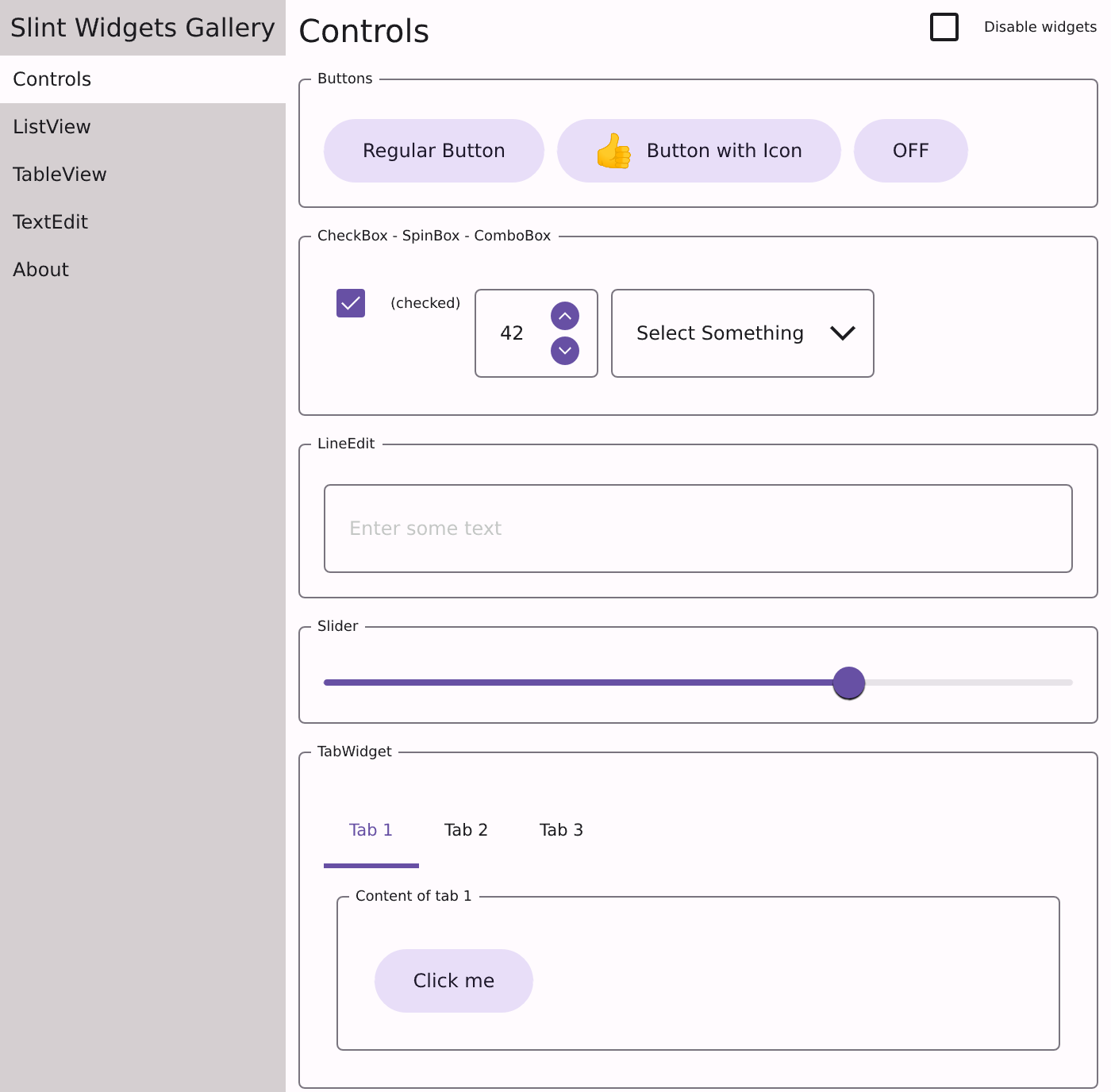
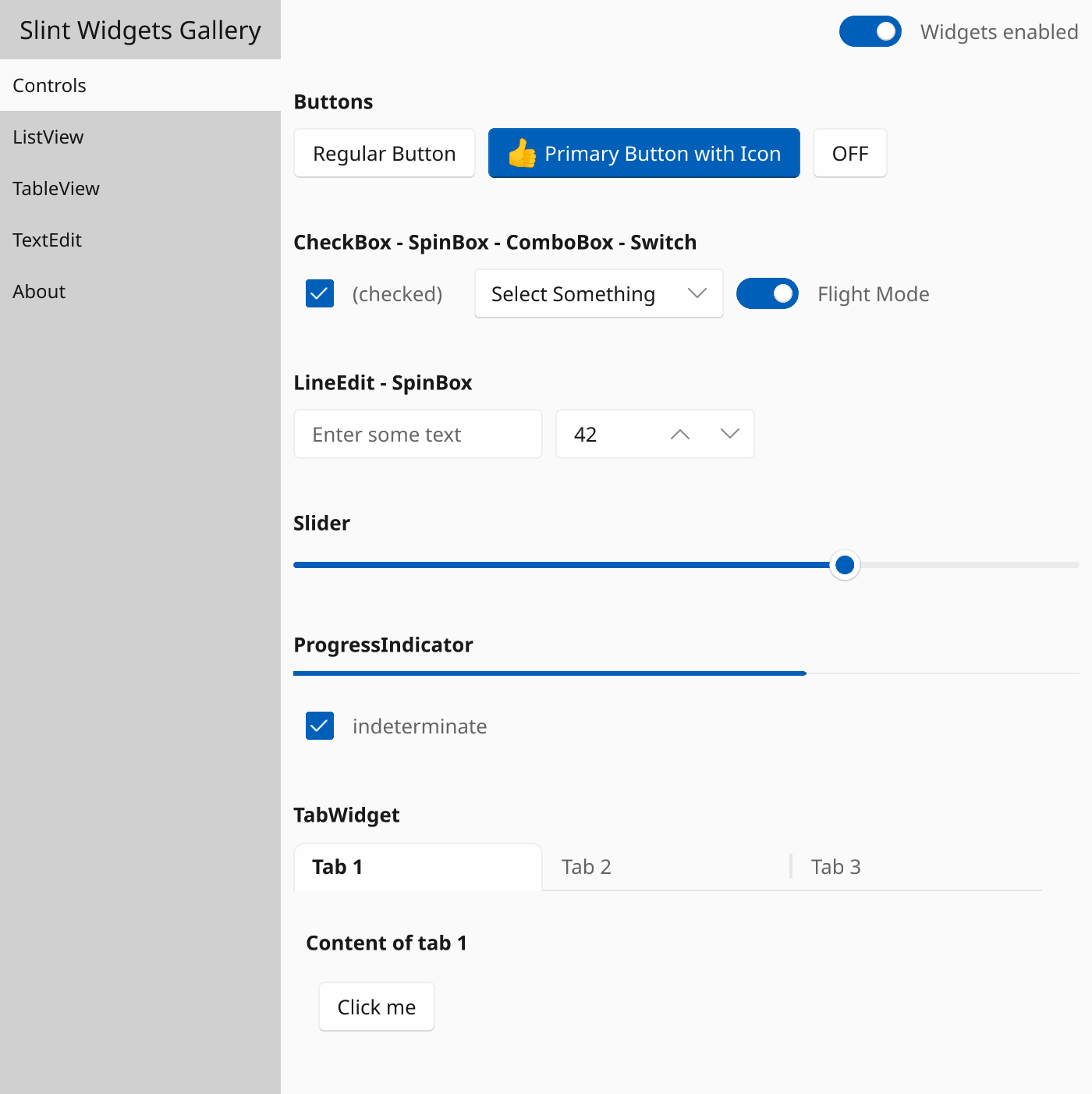
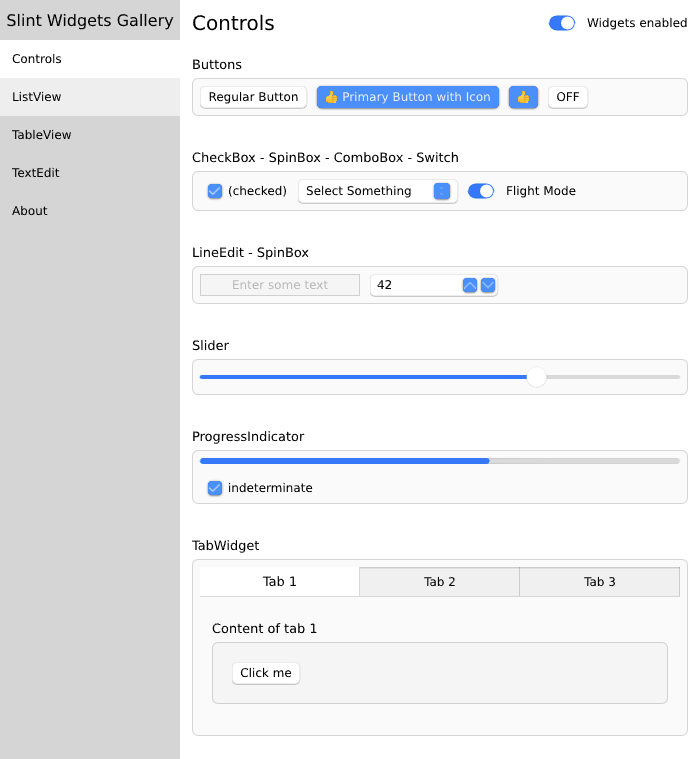
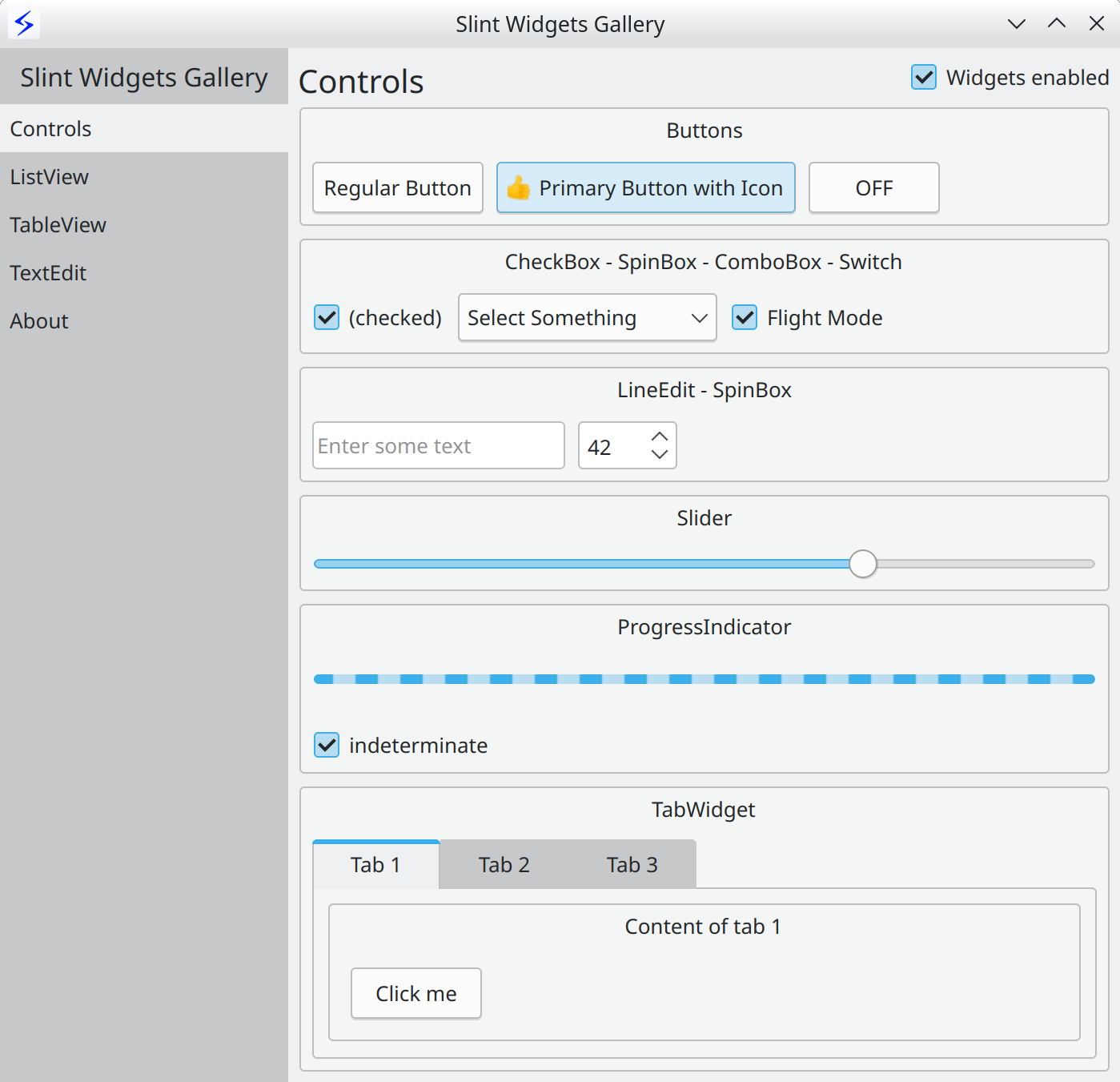
A registry your agent can trust
Reliable codegen needs known-good building blocks. Slint exposes a vetted component set over its MCP server and llms.txt, so your agent assembles UIs from blocks that already compile, render and behave — instead of inventing widgets from scratch.
Start from a template
Not just parts — whole screens
Production-shaped starters you can open, edit and ship.
Gauges, tiles and live readouts — the energy-monitor pattern, ready to wire to your data.
Open template →Grouped toggles, sliders and inputs — the screen every product needs.
Open template →Full-bleed, touch-first layouts for players, kiosks and embedded HMIs.
Open template →Built something reusable?
The community gallery collects third-party Slint components and themes. Share yours, or pull in others' — all assemble the same way.
Stop hand-rolling widgets
Assemble your next UI.
Grab the kit, theme it, and ship — on embedded, desktop, mobile and web.