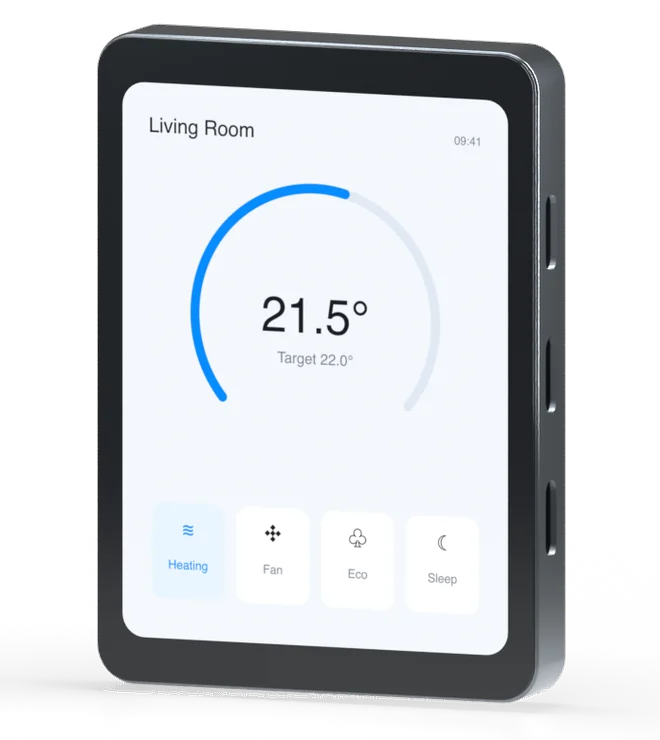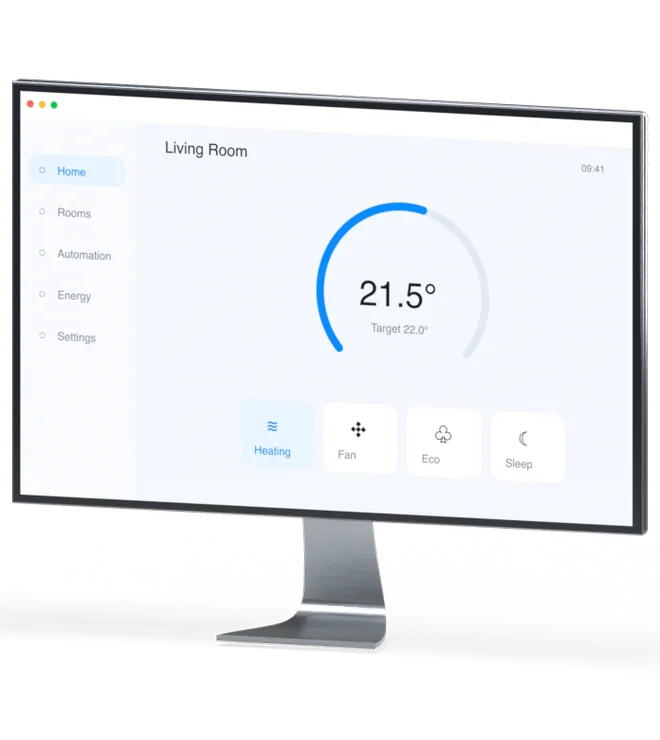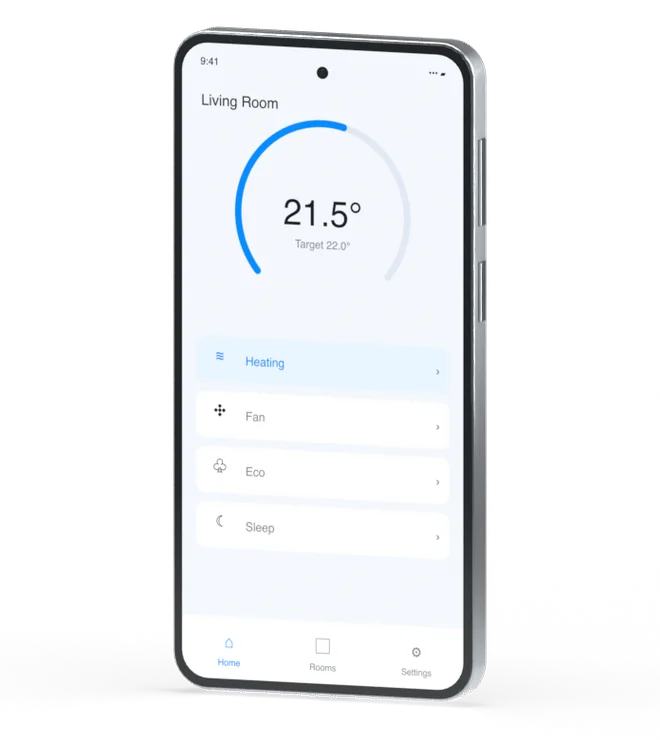

Recompiled,
never rewritten.
The same .slint files compile natively for every target.
No web wrapper, no per-platform rewrite, no second team.
One source · native renderers · ~300 KB on bare metal · WASM in the browser
Proven across the spectrum
Shipping on real hardware
#MadeWithSlint products are running
in vehicles, on chargers, in studios, and on bare-metal microcontrollers.


How it works
One source, native everywhere
Write your UI once in the .slint language. The compiler emits a native renderer for each target: GPU-accelerated where there's a GPU, software-rendered where there isn't. It's the same UI, not a lowest-common-denominator port.
- Native bindings for Rust, C++, JavaScript/TypeScript & Python.
- One design system and one set of components across all targets.
- Live preview while you build; no browser engine shipped anywhere.
When memory is the BOM
Fits your RAM budget
DRAM and on-chip SRAM are some of the priciest lines on a bill of materials — and prices keep climbing. A UI that needs less of it lets you spec a smaller, cheaper part: no hardware redesign, no features cut.
No framebuffer tax
On an MCU the full-screen framebuffer is usually the single biggest RAM consumer. Slint renders line-by-line in software, so you keep a small line buffer instead of the whole frame.
- Runtime under 300 KiB —
no_std, no allocator required - Proven on an RP2040: 264 KB RAM, 2 MB flash
→ ship on a smaller, cheaper MCU
Skip the heavyweight stack
A native Slint HMI carries no browser engine, no scripting VM and no window manager — a fraction of the DRAM an AOSP + Flutter/Qt/Electron UI needs. You replace the stack, not just tune it.
- Renders straight to DRM/KMS or Wayland — no X11
- Compiled to native code — no interpreter resident in RAM
- The same
.slintas the MCU tier — one UI, any memory budget
→ spec a lower-cost DRAM configuration
Tell us your target part and memory ceiling — we'll tell you honestly what fits. Talk to us
The same UI compiles native to each — from a $2 microcontroller to the browser. Pick a target to see how it runs there.
Built to run where there's nothing to spare
Most UI toolkits assume an OS, a GPU and megabytes of RAM. Slint assumes none of it — so the part you ship can be smaller and cheaper. When a GPU or OS is there, it uses them.
Software renderer
Renders in software, line-by-line when RAM is tight — so a full framebuffer is optional and a GPU isn't required. When there is a GPU, Slint uses it.
Compiled, not interpreted
Your .slint compiles to native code ahead of time. No scripting engine, no web view to ship — that's how the footprint lands around 300 KB.
no_std Rust & bare-metal C++
Drops into your firmware with no allocator required. Sit on an RTOS, or run on bare metal with your own event loop and drivers.
One UI, MCU to cloud
The same source you flash to the microcontroller runs on desktop and in the browser. Prototype fast on your laptop, deploy unchanged.
Embedded Linux, minus the desktop
MPUs come with an OS and usually a GPU. Slint uses both — and skips the window manager and the browser engine they'd otherwise drag in.
Straight to the display
On embedded Linux, Slint renders through DRM/KMS or Wayland — no X11, no window manager. The device boots into your UI like an appliance.
Uses the GPU, degrades gracefully
Hardware-accelerated through OpenGL ES; on SoCs without a usable GPU it renders in software instead.
Built into your image
Cross-compiles for ARM, AArch64 and RISC-V, and ships as a Yocto layer (meta-slint) or via Buildroot.
Same .slint as bare metal
Step up from the microcontroller, or down from a workstation, without touching the UI.
Desktop apps that don't ship a browser
Electron-class toolkits bundle a whole browser engine. Slint compiles to a small native binary that draws real windows and uses the GPU.
A binary, not a browser
No Chromium, no Node, no JavaScript runtime. Slint compiles to a small native executable you ship as one file.
Looks right on each OS
Fluent on Windows, Cupertino on macOS, Material elsewhere — or your own design system.
Hardware-accelerated
Renders through Skia on the GPU, and falls back to software on machines without one.
Your language, not ours
Drive the same UI from Rust, C++, JavaScript or Python.
A real native app, not a web view
Slint builds a genuine iOS and Android app — compiled, GPU-accelerated and touch-native — not a website in a shell.
Native, not wrapped
An actual iOS and Android app — no embedded browser, no JavaScript bridge in the hot path.
Touch-first
Gestures, momentum scrolling and the on-screen keyboard are handled natively.
Smooth on the GPU
Hardware-accelerated through Metal and OpenGL ES for animated 60 fps UIs.
The same .slint everywhere
One UI codebase from the microcontroller to the phone to the desktop.
The same UI, recompiled for the browser
No second front-end team. The same .slint compiles to WebAssembly and runs in any modern browser, GPU-accelerated, with nothing to install.
Compiles to WebAssembly
The same .slint becomes a WASM module. No React, no Vue, no second codebase to keep in sync.
Drawn on the GPU
Renders to a WebGL canvas, so animations stay smooth in the browser.
Nothing to install
Embed it in a page or share a URL; it runs anywhere a modern browser does.
You're looking at it
The live playground on this site is Slint compiled to WASM, running in your tab.
Common questions
Platform questions, answered
Which platforms does Slint support from a single codebase?
Slint compiles the same .slint UI natively to desktop (Windows, macOS, Linux), mobile (Android and iOS), embedded devices and microcontrollers, and the web via WebAssembly.
What are the minimum requirements to run Slint on embedded?
Slint's runtime fits in under 300 KiB of RAM and runs on microcontrollers and embedded Linux, on bare metal or an RTOS, with or without a GPU.
Does Slint need a GPU?
No. Slint chooses the optimal rendering method for the device — GPU-accelerated where there is a GPU, and a software renderer (full framebuffer or line-by-line) where there isn't.
How does Slint run in the browser?
Slint compiles to WebAssembly and renders to a canvas, so the same .slint UI used on desktop and embedded runs in any modern browser with zero install.
Is a Slint desktop app lighter than an Electron app?
Yes. Slint compiles to native code and does not bundle a browser engine, so applications start faster and use far less memory and disk than a typical Electron app.
Which languages can I use to build a Slint app?
Rust, C++, JavaScript/TypeScript, and Python — pick the language that fits each platform, from the same UI codebase.
How much RAM does Slint need?
Slint's runtime fits in under 300 KiB of RAM. On a microcontroller it can render line-by-line from a small line buffer instead of a full-screen framebuffer — usually the largest RAM consumer — so a smaller, cheaper part is often enough. It has run on an RP2040 with 264 KB of RAM.
Does Slint need a framebuffer?
No. Slint's software renderer can draw line-by-line into a small line buffer, so a full-screen framebuffer is optional — the single biggest RAM saving on a memory-constrained device. When a GPU or a full framebuffer is available, Slint uses it.
Does Slint run on an RTOS like FreeRTOS, Zephyr or QNX?
Yes. Slint is independent of the operating system: it runs on bare metal with your own event loop, or on an RTOS such as FreeRTOS, Zephyr, QNX or ThreadX, as well as on embedded Linux.
One UI, everywhere it needs to run
Build once. Ship to all of it.
Start on the platform in front of you — the rest are a recompile away.
Open source · royalty-free for desktop, mobile & web · commercial & support available