

Design. Develop. Iterate.
Speed up development through rapid iterations and AI agents.
Live-Preview
Reloads UI changes automatically while the business logic stays connected, so you can iterate without recompiling or restarting your app.
Set up Live-Preview →AI Coding Assistants
Skills for AI coding agents, plus an MCP server to allow agents to inspect the UI, simulate input events, and capture screenshots.
Set up your assistant →
Claude Code
Codex
Cursor
Gemini CLI
Windsurf
Multiple IDE integrations
Syntax highlighting
Code completion
Diagnostics
Jump to definition
Refactoring
Set up your editor →
 VS Code
 JetBrains
Zed
JetBrains
Zed
 (Neo)Vim
 Kate
Kate
 Qt Creator
Sublime Text
Helix
Qt Creator
Sublime Text
Helix
Components
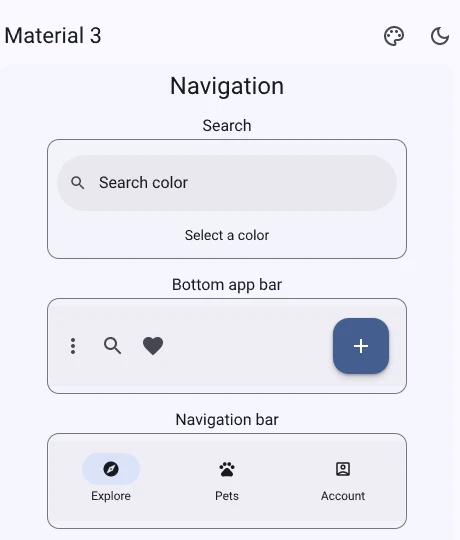
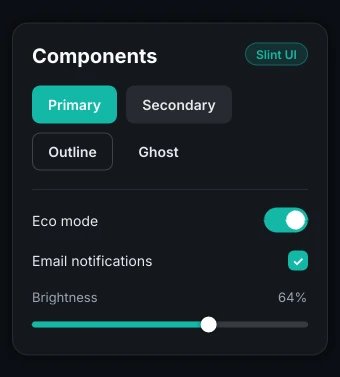
Fluent ships with Slint and Material 3 is an import away, or build your own, as the third tab does. Every panel below is real Slint, compiled to WebAssembly and running now.
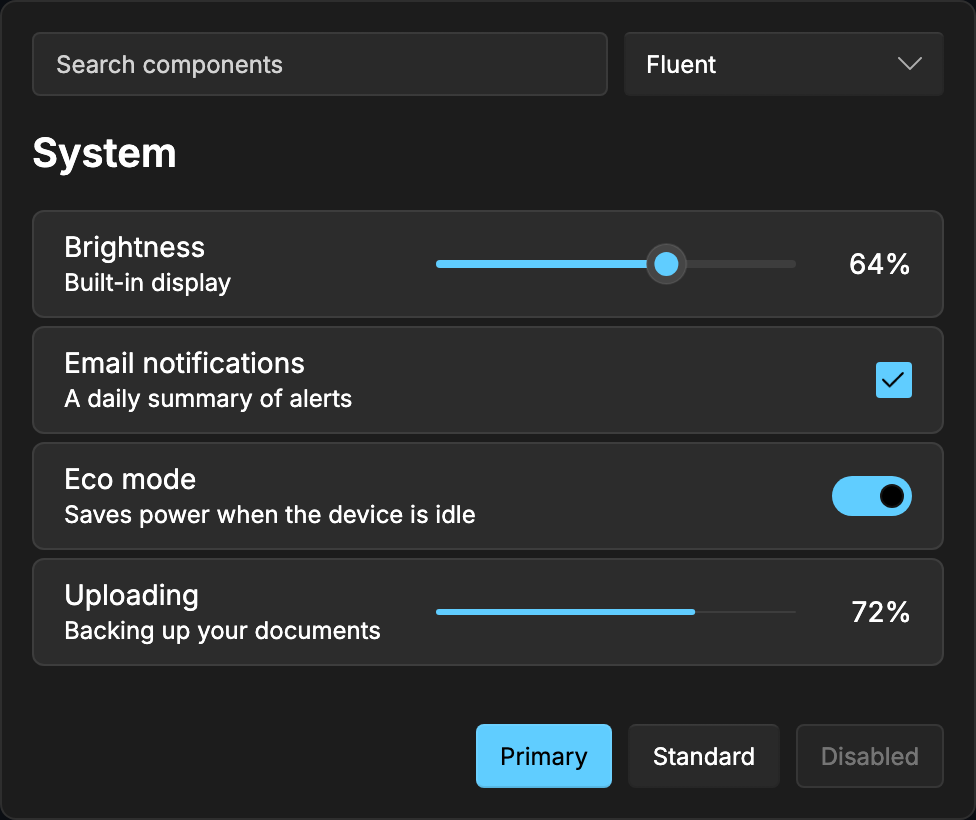
The Material 3 gallery is a separate 8 MB app on material.slint.dev.
Figma to Slint
A Figma plugin that exports variables (colours, numbers, strings and booleans) into .slint files, with Figma modes becoming the enum your themes switch on.
Figma variables
brand/primary
brand/accent
surface/base
radius/card
→
export global colors {
out property <brush>
brand-primary: #2379F4;
out property <brush>
brand-accent: #2FD39B;
}
out property <brush>
brand-primary: #2379F4;
out property <brush>
brand-accent: #2FD39B;
}